Keep the work moving.
Keep the details together.
Customer requests, site work, materials and orders should not depend on someone remembering the last conversation. Give your team a working record they can return to.
Works offline for core records. Optional cloud collaboration.
Choose the tools your work needs.
Service management
Record the customer, equipment, service job, parts and invoice history in one working process. Give the next follow-up a clear date.
Explore →Project and contracting management
Connect project progress, people, workshop reports and inventory movements to the same project.
Explore →Production management
Define products and bills of materials, create production orders and record the progress of the work.
Explore →Sales management
Follow customer requests, orders, stock, delivery and amounts due without treating every stage as a completed sale.
Explore →Start with the exception. Open the record behind it.
Review project activity, stock, people and financial records in the company web portal. The available views depend on your company permissions and the data the team has recorded.
One company context
Review the selected company and business area before making a decision. Keep project and stock references consistent.
Access that matches the role
Company membership controls cloud access. Sensitive financial posting needs a separate permission from viewing.
An action after the review
Give each open issue an owner and a next date. A chart is a starting point for a conversation, not a decision by itself.
Weekly review guide →Try the workflow with your own team.
The Android trial is intended for evaluating the product in real work. Activation is required after the trial; existing records are retained. Ask about current pricing and terms before purchase.
The current build uses Iranian toman. An English interface does not establish support for every currency, tax system or country. Contact us to check your requirements before an international rollout.
Questions worth asking first.
Does the app need an internet connection?
Core local records work offline. Cloud sign-in, team collaboration and sync require connectivity. Reminders depend on the phone’s notification and battery settings.
Will an update remove my data?
A correctly signed in-place update preserves local app data. Keep a backup before updating. A build signed with another key cannot update the existing installation directly.
Can our team use English?
The app includes an English interface and Gregorian date options. The current monetary unit remains Iranian toman. Confirm the specific workflow and commercial terms before purchase.
Are the screenshots real?
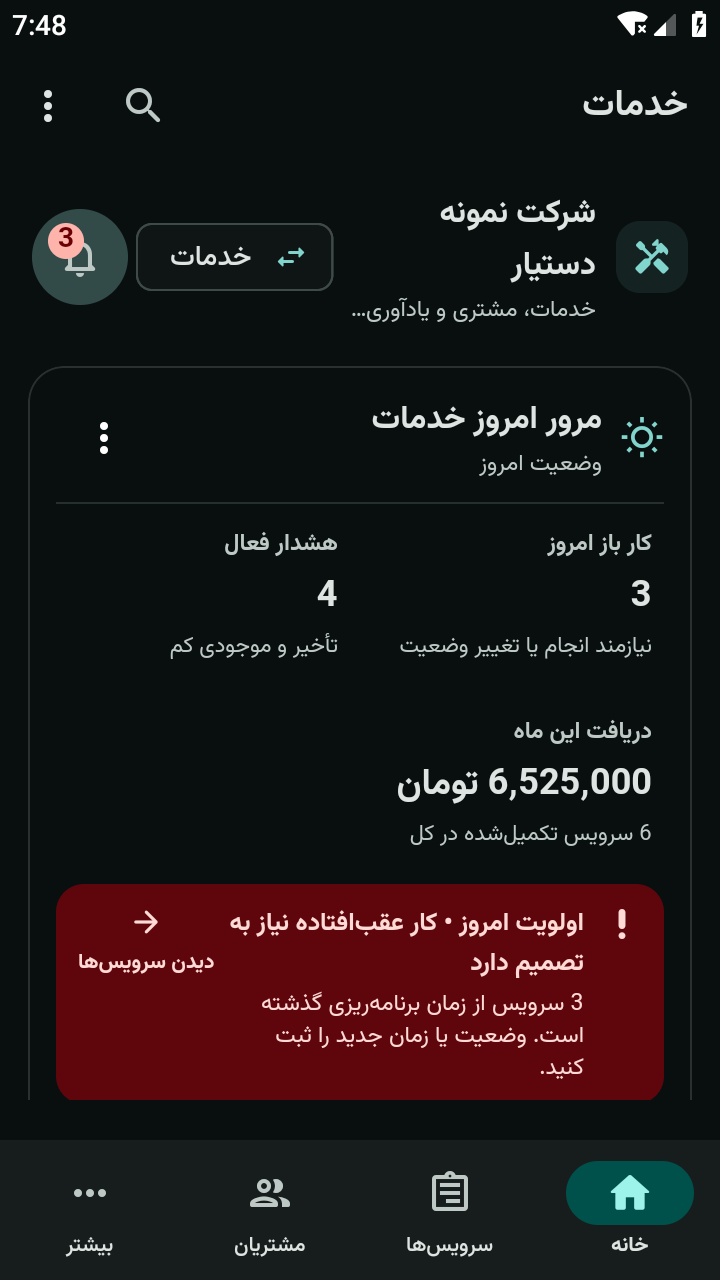
Yes. They show the actual application with synthetic business records. Some captures show the Persian interface.
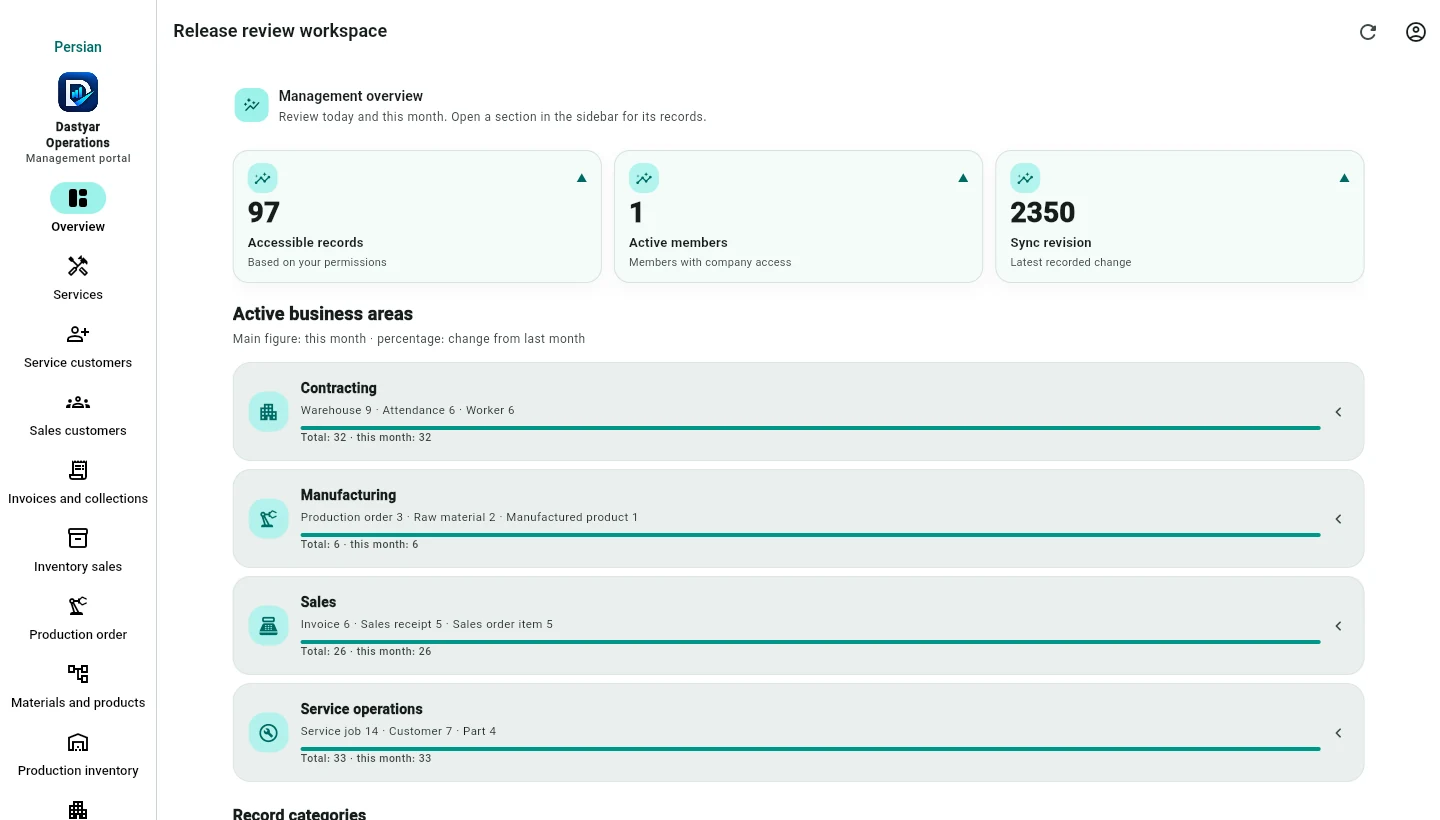
A management view alongside the app.
Review synced company records, recent activity and team access in the browser. Each colleague sees the records their role allows.
Open the management portal